

SnipeOffice on Windows Vista
Windows Vista had a rough launch and a shorter working life than the versions on either side of it. Ship in early 2007, get overshadowed by Windows 7 in late 2009, quietly retire from mainstream support in 2012 and extended support in April 2017. That is the short version. The longer version is that a Vista box with Service Pack 2 applied, the post-SP2 rollups on top, and a modern browser sitting on it is a perfectly usable machine near decades later. The hardware it shipped on is nearly twenty years old now and mostly still turns on. And the OS itself, once you scrape the mid-2000s driver stack and half-baked UAC prompts off the top, is essentially the same NT 6.0 kernel that Windows 7 dressed up more successfully two years later.
Boot Windows Vista, open a browser, open a Word document. Writer, Calc, Impress, myPage, and Form Manager all load, all work, all save real files. On a properly updated Vista box you get the same interface a Windows 11 user sees, running in a browser tab, on a machine that Microsoft stopped supporting nine years ago.
First: is your Vista actually up to date?
A stock Vista install from a 2007 disc, or a Vista box that has been sitting in a cupboard since 2010, will not talk to the modern web. Root certificates are out of date, the TLS stack is stuck on protocols the modern internet retired years ago, and half the runtimes modern browsers expect are simply not there. The symptom is always the same: pages fail to load, HTTPS warnings pile up, installers refuse to run, and the whole thing feels like the OS is broken. It is not broken. It is just untended.
The quickest tell for whether your Vista is current is which version of Internet Explorer it is running. If you open the About Internet Explorer dialogue and it says version 7, your Vista is very out of date. IE 7 shipped with the original 2007 Vista release. IE 8 came with the Service Pack 2 wave. IE 9 was the last IE that supported Vista and it needed the platform update and post-SP2 rollups underneath it.
Getting Vista current: the Legacy Update project
Microsoft stopped answering Windows Update requests from Vista in 2020, which means the built-in Windows Update client on a stock Vista install just spins forever and eventually errors out. The community-maintained fix for this is a project called Legacy Update, hosted at legacyupdate.net. It reroutes the classic Windows Update service through a working endpoint, patches the client-side bugs that stop it from finishing the update check, and gets your Vista box back on the update train for everything Microsoft ever shipped.
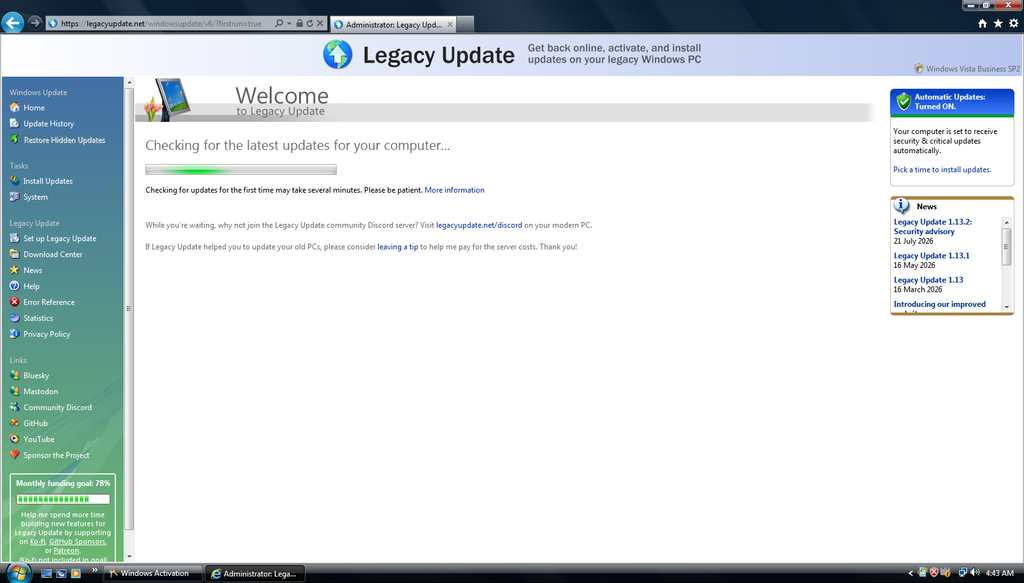
Legacy Update running in Internet Explorer 9 on Vista Business SP2.
Install is a small MSI. Vista, Windows XP, Server 2003, and Windows 2000 are all supported by the same installer, along with the modern Windows versions. Once installed, it hooks into the Windows Update control panel applet you already know. Open Windows Update, click Check for updates, and this time it actually finishes.
The first check on an old Vista install will find a lot of updates. Service Pack 2 if you have not applied it. The post-SP2 rollups. The platform update that enables IE 9 and newer runtime components. Every security fix Microsoft shipped for Vista between 2010 and 2017. And a set of root certificate updates that will get modern HTTPS handshakes working again, which is what everything else on this page depends on.
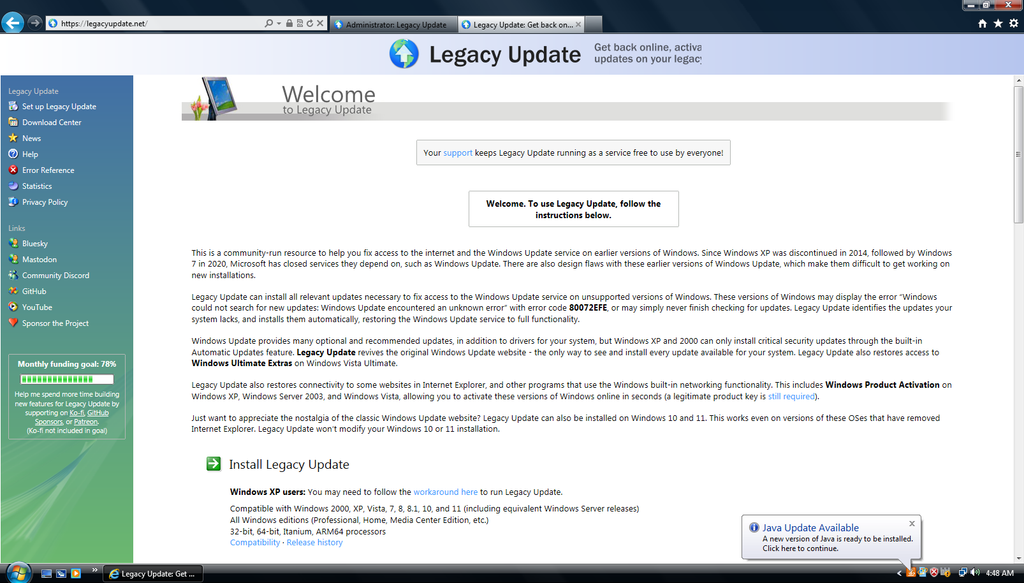
Legacy Update welcome page. Runs on Vista, XP, Server 2003, 2000, 7, 8, 8.1, 10, and 11.
One reboot cycle later you have a Vista box that is as current as Vista ever gets. IE 9 is the terminal browser on this OS from Microsoft, and it will get you through most of the legacy web including the Legacy Update site itself, but it is not going to run modern JavaScript-heavy apps. For that you need a real modern browser, and on Vista that means Snipe Browser.
Snipe Browser 144 for Vista
Stock Chromium tapped out at version 49 on Vista, back in 2016. That is what “Chrome for Vista” gets you if you dig up an old installer today. Chrome 49 is legacy channel territory for Snipe Cloud, and it will not run modern web apps of any complexity. Snipe Browser 144 is the answer to that. It is Chromium 144.0.7559.256 backported to Vista, 32-bit, built and tested on real 2006 Celeron M hardware rather than emulated on a modern machine
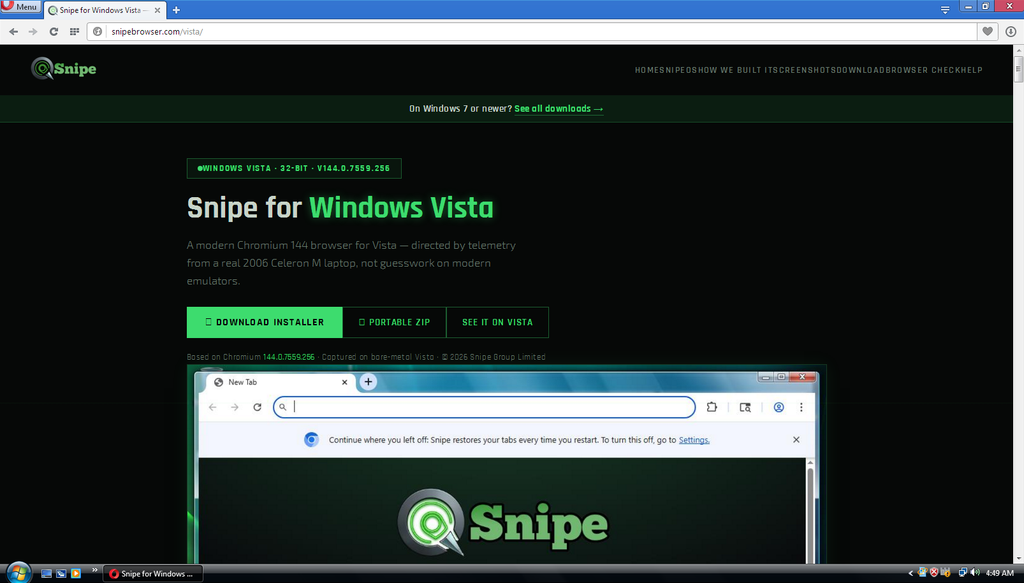
snipebrowser.com/vista: Snipe Browser 144.0.7559.256 for Windows Vista, 32-bit.
Download the installer, run it, next-next-finish. First launch lands on the Snipe new-tab page with the SnipeSearch box and the ecosystem grid, and every site that expects a modern browser now behaves as if it is talking to Chrome on Windows 11. The user agent identifies as Snipe 144 with the Blink engine underneath and the browser check page at snipebrowser.com/check will confirm you are on the latest build.
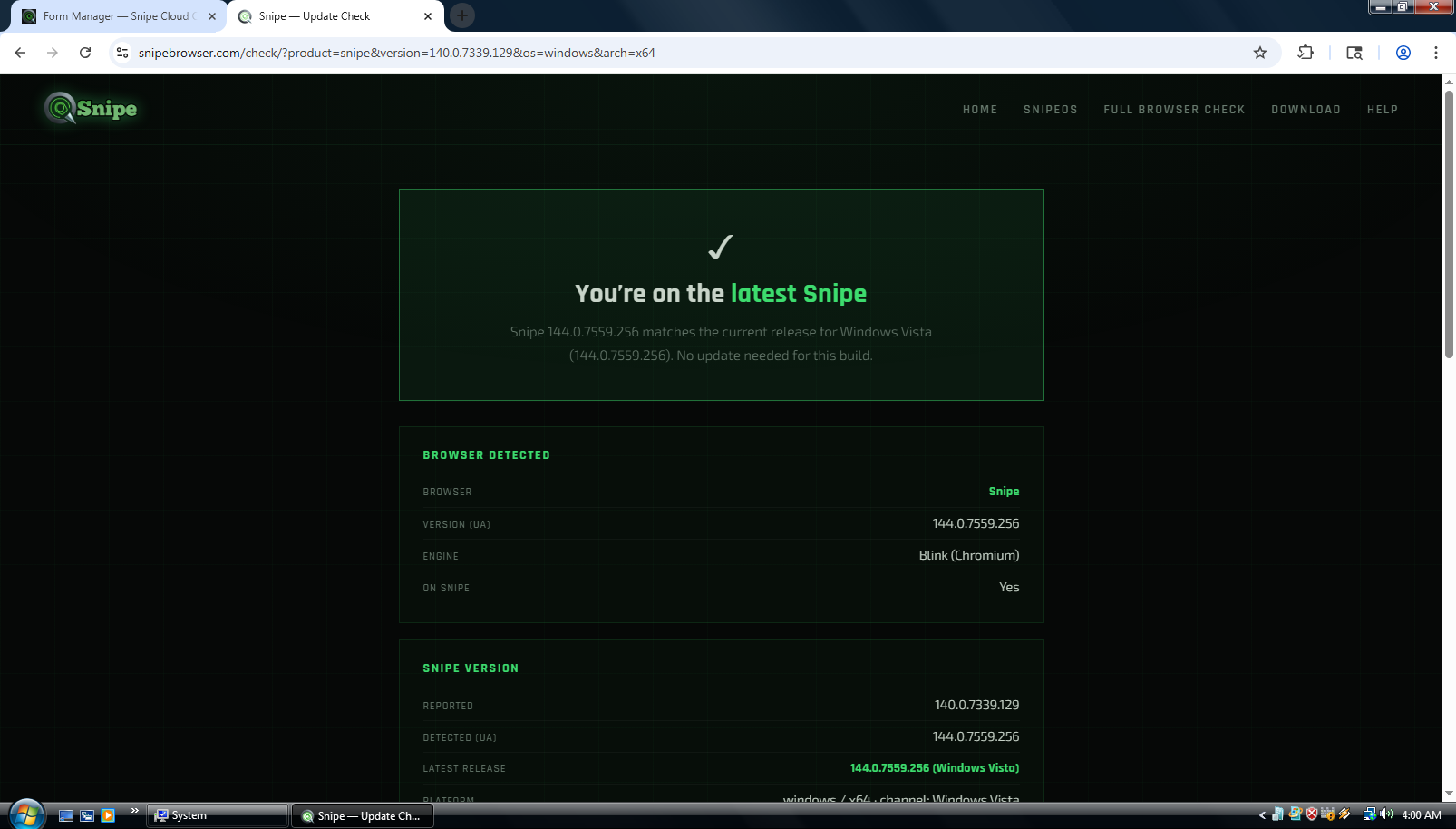
Snipe browser self-check: 144.0.7559.256 for Windows Vista, on the latest build.
Opera 36 is the other option worth mentioning on Vista. It is the last stable Opera that supports the OS, released in 2016, and it reports as Chrome 49 under the hood. Which means it lands you on the legacy channel of Snipe Cloud, not the modern one. Fine as a secondary browser or if you specifically want Opera, but Snipe Browser 144 is the answer for modern-channel Cloud on Vista.
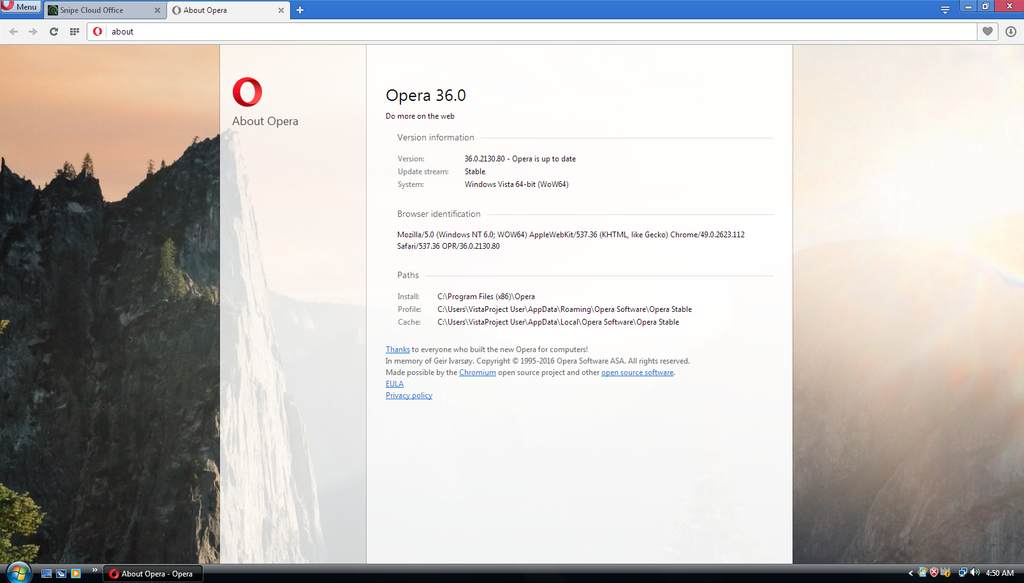
Opera 36 on Vista: identifies as Chromium 49, routes to legacy channel.
Legacy channel: still there when you need it
IE 9 lands on the legacy Start Centre at cloud.snipeoffice.org/legacy/index.html and renders it correctly. Green header, all five app tiles, sidebar navigation, About block, browser recommendation table listing every supported Windows version down to 3.1. This is the fallback you use when you have not installed Snipe Browser yet, or when you specifically want the lightest possible Cloud experience.
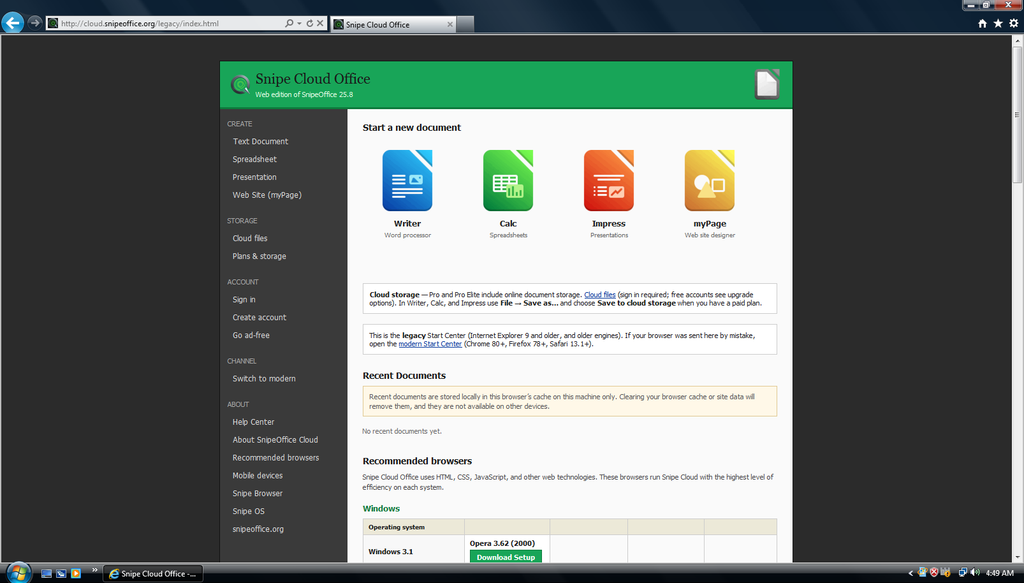
Legacy Cloud Start Centre in Internet Explorer 9 on Vista.
Opera 36 lands on the same legacy Start Centre for the same reason. All the app tiles work. Writer, Calc, Impress, and myPage all open and function. The router puts anything Chromium 49 or older, or Firefox 78 or older, or Safari 13.1 or older, on the legacy channel by design, because those engines cannot run the modern channel reliably.
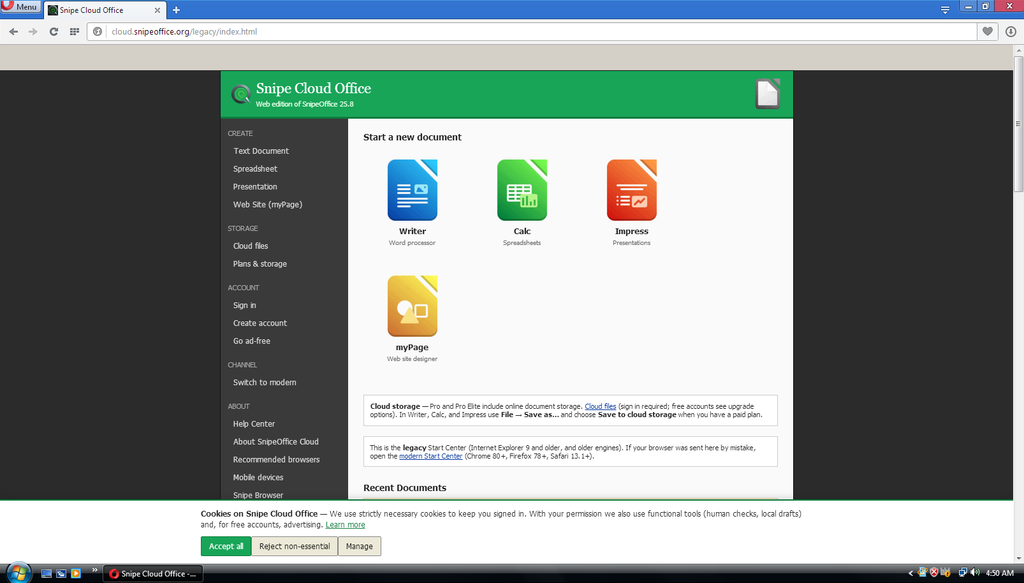
Legacy Cloud Start Centre in Opera 36 on Vista.
Modern channel: what actually runs
With Snipe Browser 144 installed, cloud.snipeoffice.org routes straight to /modern/. Full app tiles: Writer, Calc, Impress, myPage, Form Manager. Same interface a Windows 11 user sees. No compatibility shim, no reduced feature set, no “some features unavailable on this browser” warning banner.
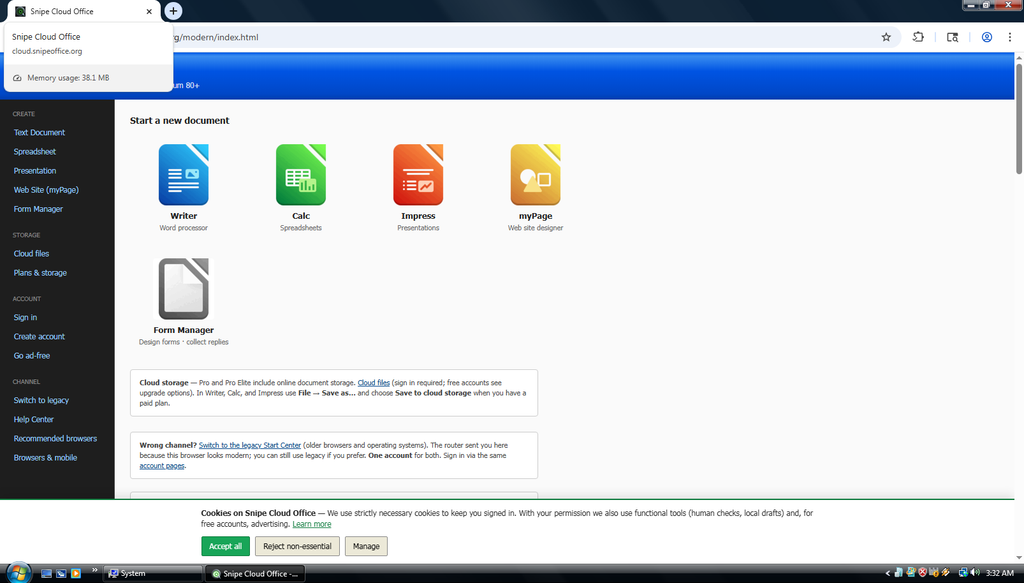
Snipe Browser tab hover on Vista: Snipe Cloud Office modern channel using 38.1 MB.
And it is light. The tab-hover memory readout for the Snipe Cloud Office modern Start Centre on Vista comes in at 38.1 MB. Task Manager confirms the whole browser footprint sits under a hundred megabytes with the Start Centre open and idle. This is a browser-based office suite loading its main navigation UI on a nearly-twenty-year-old operating system in less RAM than most modern chat apps use for their splash screen.
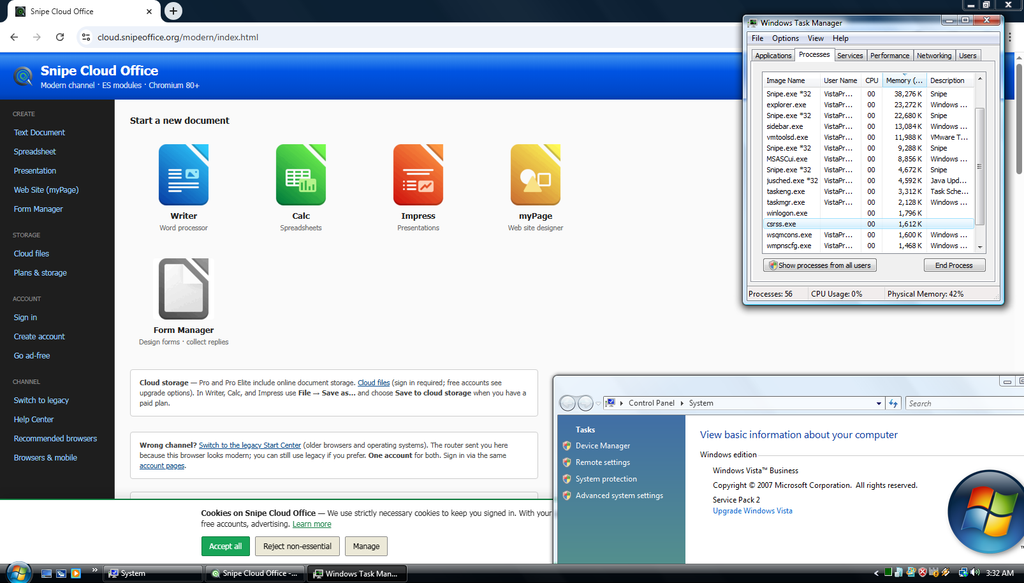
Windows Task Manager on Vista showing Snipe Browser process footprint with Cloud Office loaded.
Writer
Snipe Writer opens with a modern toolbar across the top, and the working strip underneath gives you the same character, paragraph, table, and style controls a Windows 11 user gets in the same app. Open a .docx a colleague sent an hour ago, or an .odt from a LibreOffice user, or a legacy .doc from an archive, and you are editing the real document with formatting, tables, and styles live on screen. Save it back out in whichever format you opened it in, or convert between them on the way out, and the file round-trips cleanly into the recipient’s suite of choice. All of that on a nineteen-year-old operating system, in a browser tab, over the public internet.
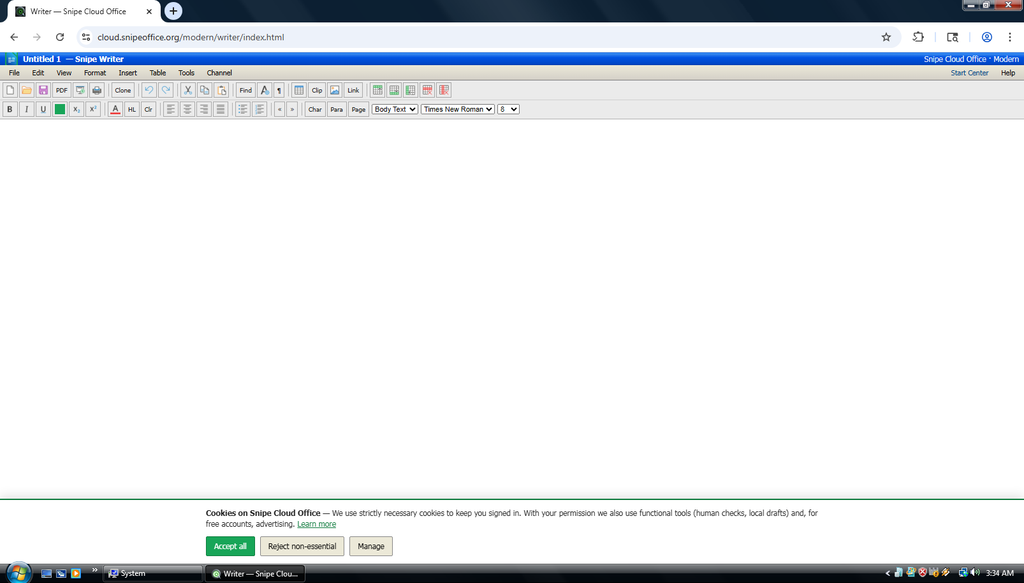
Snipe Writer, modern channel, on Windows Vista.
Calc
Snipe Calc gives you the full spreadsheet grid with formula bar, cell reference indicator, sort and filter, sum and function buttons, and the standard cell formatting controls. Data menu, Sheet menu, and Tools menu all present. Save as ODS, XLSX, CSV, or TSV, and the BOM-first UTF-8 export path means Chinese, Japanese, Cyrillic, Arabic, and mixed-script data survive the trip out and open correctly in Excel or LibreOffice on the receiving end. That last part is the original reason SnipeOffice exists, and it works the same on Vista as it does on Windows 11.
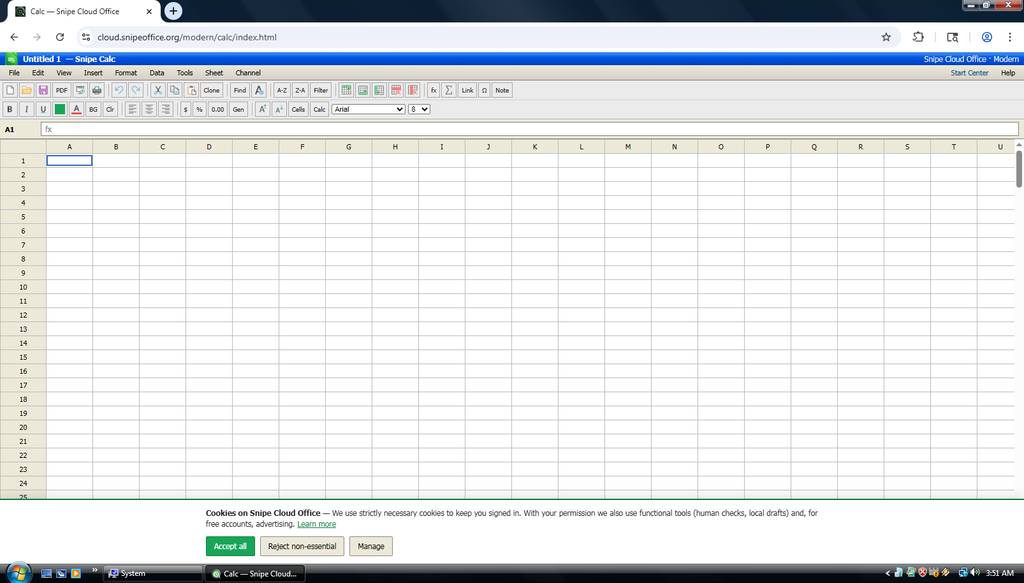
Snipe Calc, modern channel, on Windows Vista.
Impress
Snipe Impress runs the full presentation editor. Slide panel on the left, title-and-content layout in the workspace, insert-slide and duplicate-slide controls in the toolbar, transitions and slideshow options in the Slide menu. Multi-slide decks build and run. Export to PDF, ODP, PPTX, or HTML slideshow. Nothing in the Impress feature set is cut down for the older OS.
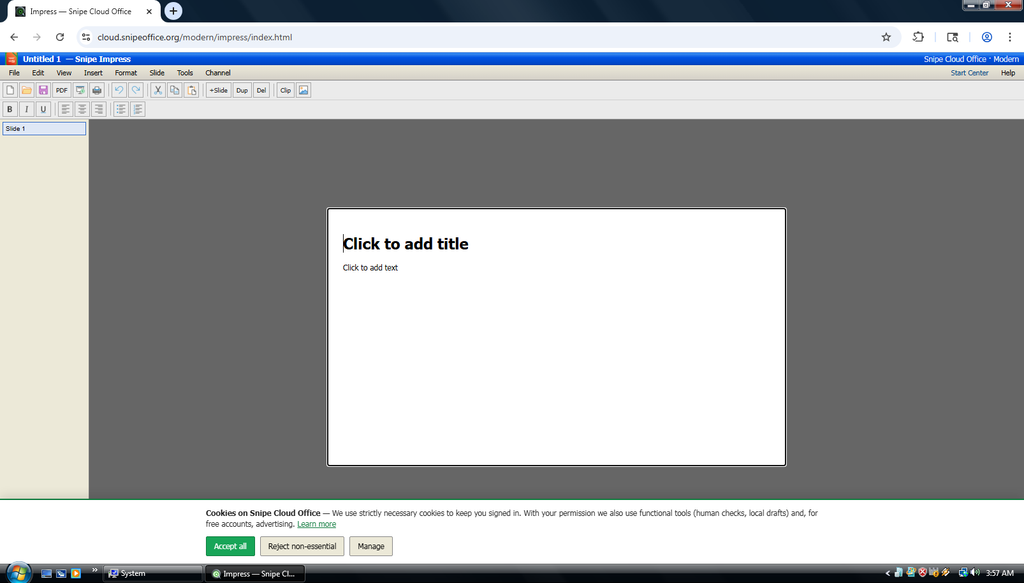
Snipe Impress, modern channel, on Windows Vista.
Form Manager
Modern channel only, sign-in required. Design forms, share the fill link with anyone, replies are stored on your account and downloaded as CSV or TXT rather than emailed. That single design decision kills a whole category of problems: no spam-filter blackholes, no bounced deliveries, no lost messages in a client inbox somewhere. Free tier is 5 forms with 50 replies each, Pro is 10 forms with 500 replies each, Pro Elite is 20 forms with 1000 replies each. Payment fields are blocked by policy, so nobody uses this to phish credit card numbers off your respondents.
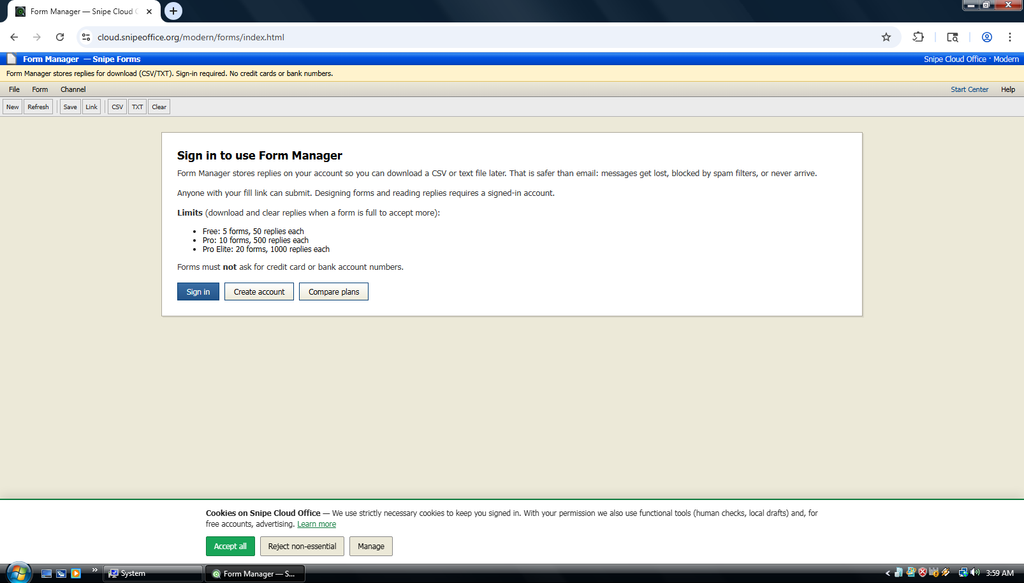
Form Manager sign-in wall, modern channel, on Vista.
The Original Goal Maintained
Chinese, Japanese, Cyrillic, Arabic, emoji, mixed-language data, all survives the export cleanly and opens correctly downstream. The operating system Microsoft dropped in 2017 gets the same encoding guarantees as the workstation of today. That is not a compromise or a fallback path. It is the same code producing the same output whether the user is on Vista, Windows 11, macOS, or a Chromebook.
Best office suites for Windows Vista in the 21st century
Windows Vista hit end of extended support in April 2017. That means nine years without a security patch from Microsoft, and, more relevantly for this article, close to a decade of mainstream office software quietly removing Vista from their supported platform lists. LibreOffice dropped Vista in 2020. Microsoft Office dropped Vista several versions before that. Chrome and Firefox both dropped Vista in 2017. Every year the list of office suites that will still install on this OS gets shorter, and every year the list that will still open a document a modern colleague sent you gets shorter still.
The question this list actually answers is a narrow one. Given that you are on Vista for reasons outside your control, and given that the person you are trading files with is on Word 2024 or LibreOffice 25, what will let you open, edit, and send back their file today, without a manual conversion step on another machine? The ranking below weighs four things. First, whether the suite opens modern .docx, .xlsx, and .pptx directly. Second, whether it installs cleanly on Vista without kernel shims or DLL replacements. Third, whether the file it saves out opens correctly on the recipient’s modern suite. And fourth, cost, because a lot of Vista boxes are still running in households and small organisations that stopped budgeting for them a long time ago.
1. Snipe Cloud Office (modern channel). The only option that opens modern .docx, .xlsx, and .pptx directly on a Windows Vista machine using the current UI. Snipe Browser 144 for Vista routes you to the modern channel with the full app set: Writer, Calc, Impress, myPage, Form Manager. BOM-first UTF-8 exports mean multilingual data survives everywhere. Legacy channel via IE 9 or Opera 36 is available as a fallback for lighter workloads. Free.
2. Microsoft Office 2010. The last version of Office that installs cleanly on Windows Vista without hacks. Word, Excel, PowerPoint, Outlook, OneNote, Publisher, Access. With the Microsoft Office Compatibility Pack installed it opens and saves modern .docx, .xlsx, and .pptx files. Best locally-installed option for native Office file handling on Vista, if you can still find a legitimate license.
3. LibreOffice 6.4. The last LibreOffice release that will install on Windows Vista. Full ODF support, reads and writes .doc, .xls, .ppt, and modern OOXML formats out of the box. Complete suite: Writer, Calc, Impress, Draw, Base, Math. Actively developed enough at the 6.4 point release to handle modern documents well, and completely free.
4. Apache OpenOffice 4.1. Free, open source, and the Apache-stewarded fork of the OpenOffice codebase. Version 4.1 supports Vista comfortably. Full ODF, reads .doc, .xls, .ppt, and basic modern OOXML. Complete suite. A solid choice if you prefer the Apache Software Foundation to the LibreOffice fork governance.
5. Microsoft Office 2007. The version of Office that shipped alongside Vista. Fast, comfortable on modest hardware, .doc / .xls / .ppt out of the box. With the Compatibility Pack installed it stretches to modern OOXML formats. Fits the machine perfectly since they were designed for each other. Still installs, still works.
Screenshots in this article were taken from a virtual machine running Windows Vista Business SP2 with all post-SP2 updates applied via Legacy Update. Snipe Cloud Office and Snipe Browser run identically on real hardware of the same vintage.