

SnipeOffice on Windows 98 SE
Windows 98 Second Edition sits in an interesting place. Newer than 95, older than XP, still running on hardware that people actually keep around because it just works. You find these machines in workshops running test equipment, in schools nobody has funded a refresh for, in bedrooms where a childhood PC never quite got thrown out. The instinct is to assume nothing modern will touch them. That instinct is wrong.
Snipe Cloud Office opens on Windows 98 SE. Writer, Calc, Impress, and myPage all load, all work, all save real files.
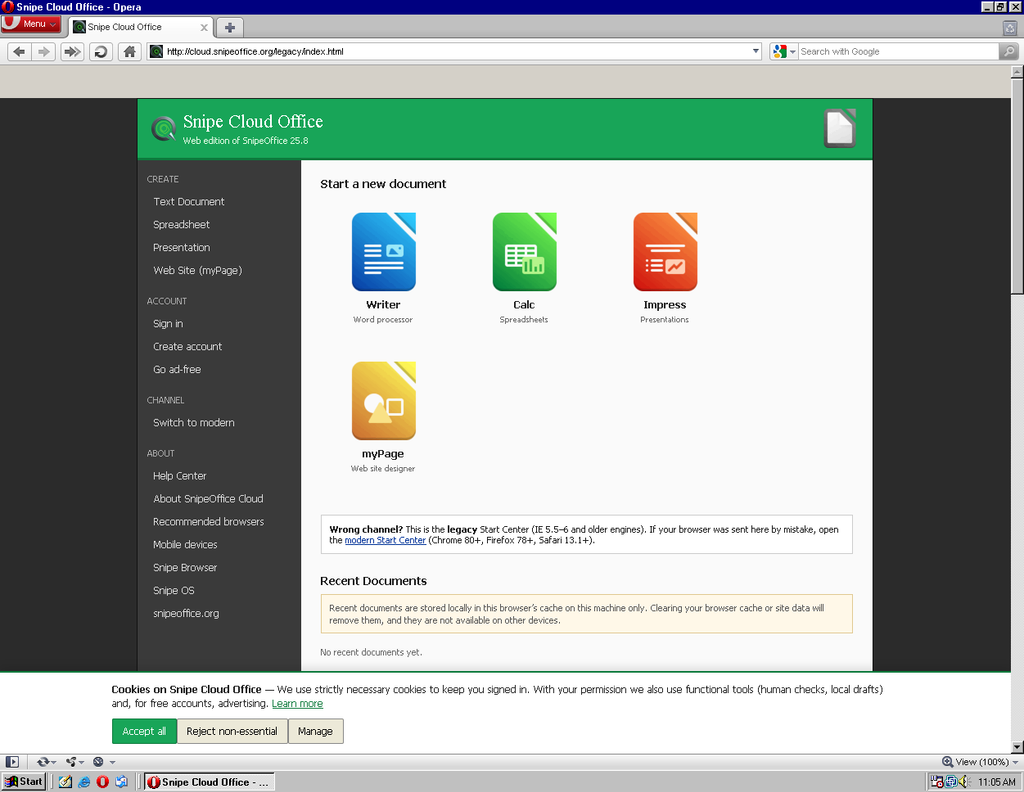
Two browsers, one suite
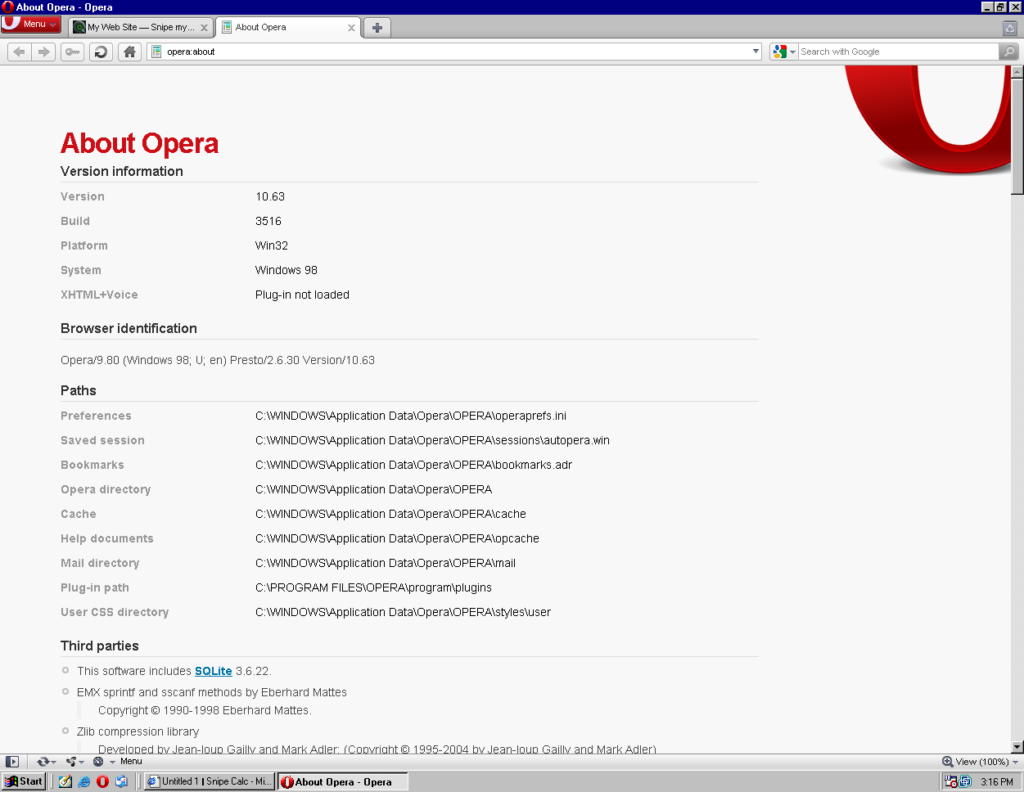
Windows 98 SE gives you options 95 does not. Opera 10.63 runs on it, and so does Internet Explorer 6. Both land you in the legacy channel, both open the full suite, and both let you switch between tabs while you work. Opera in particular is a comfortable browsing environment on this vintage of hardware, with tabs, session management, and enough modern web support to load Snipe Cloud cleanly. We do however recommend opera for the best experience on this OS
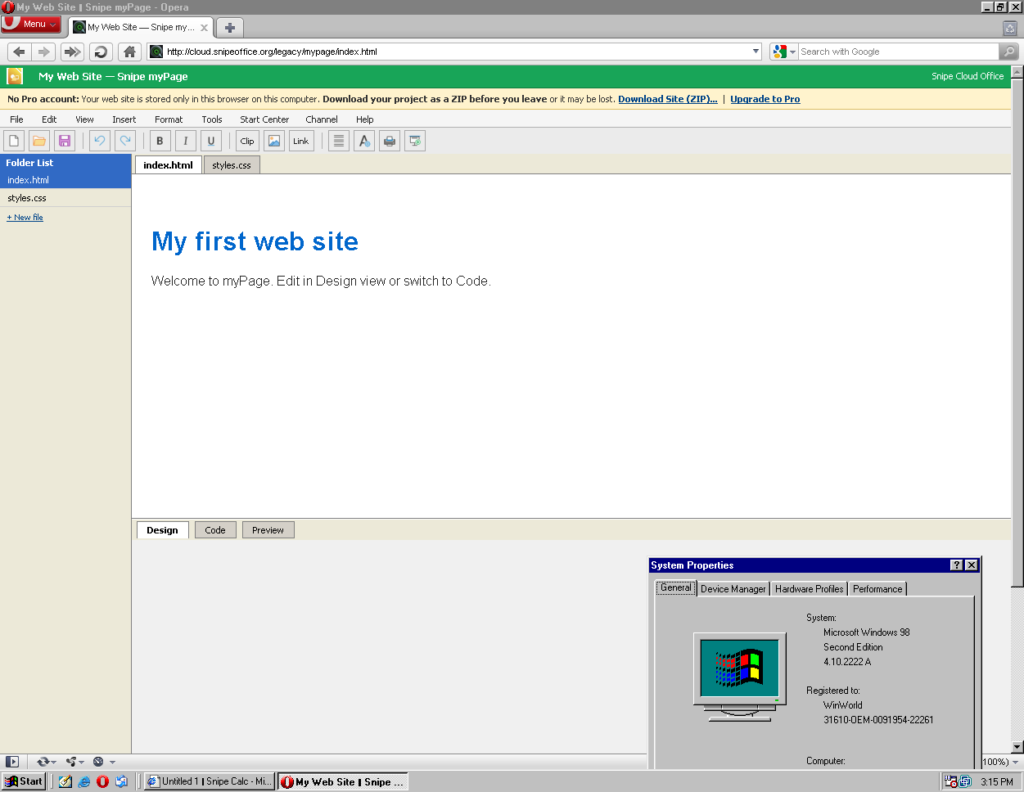
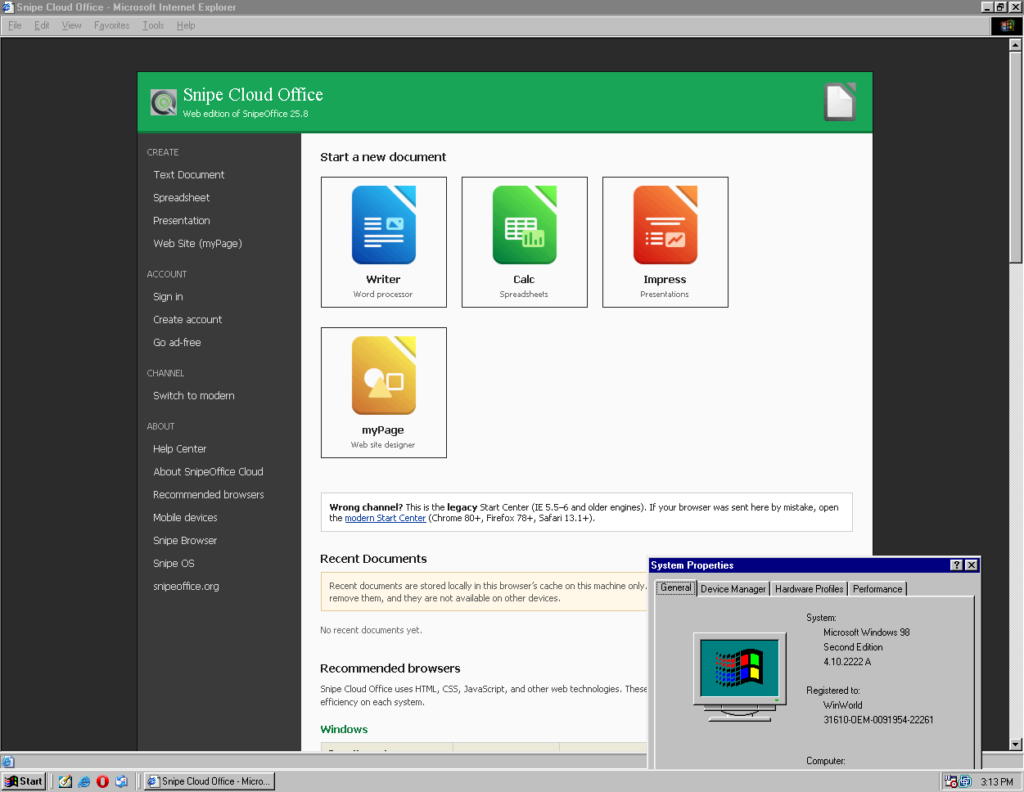
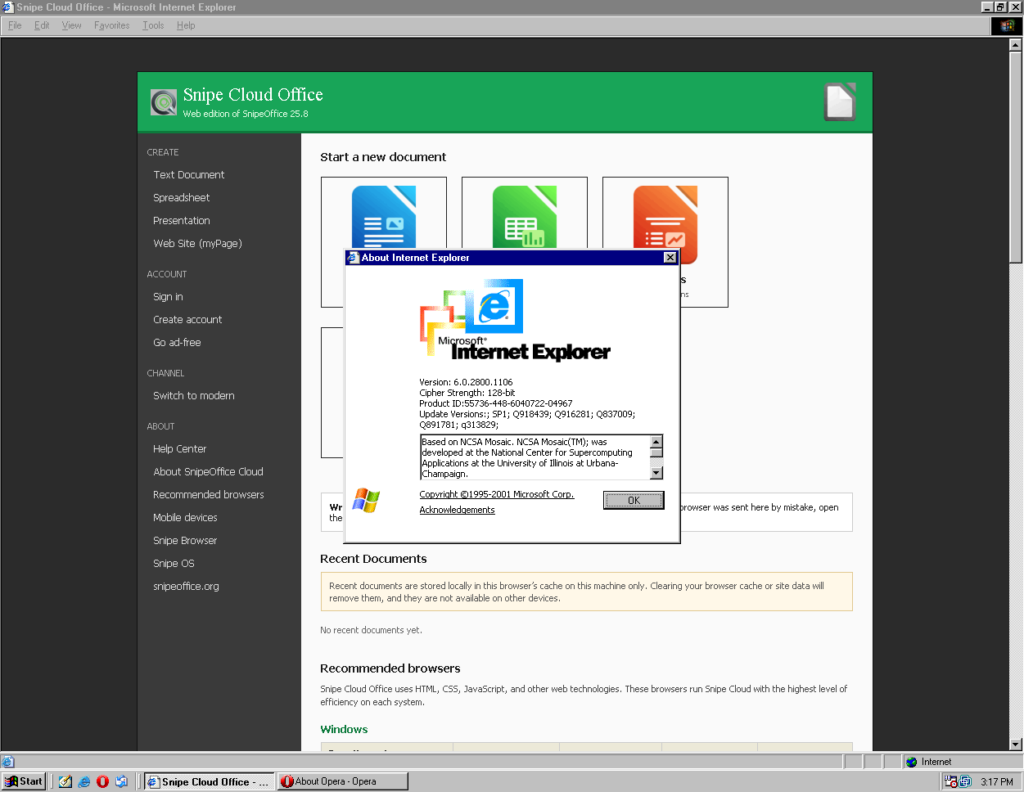
What actually runs
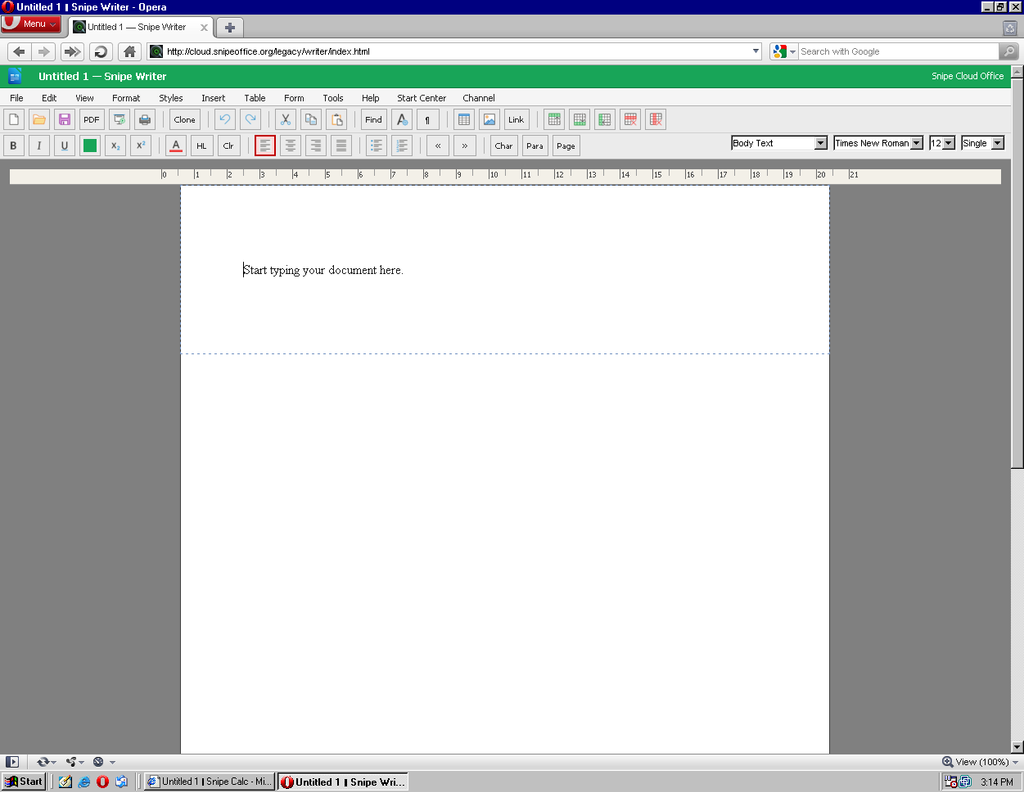
Writer opens with the full legacy menu bar: File, Edit, View, Format, Styles, Insert, Table, Form, Tools, Help. Toolbar, ruler, style dropdowns, font picker, size picker. A .docx opens, edits, saves. Round-trips to a modern Word install without issue.
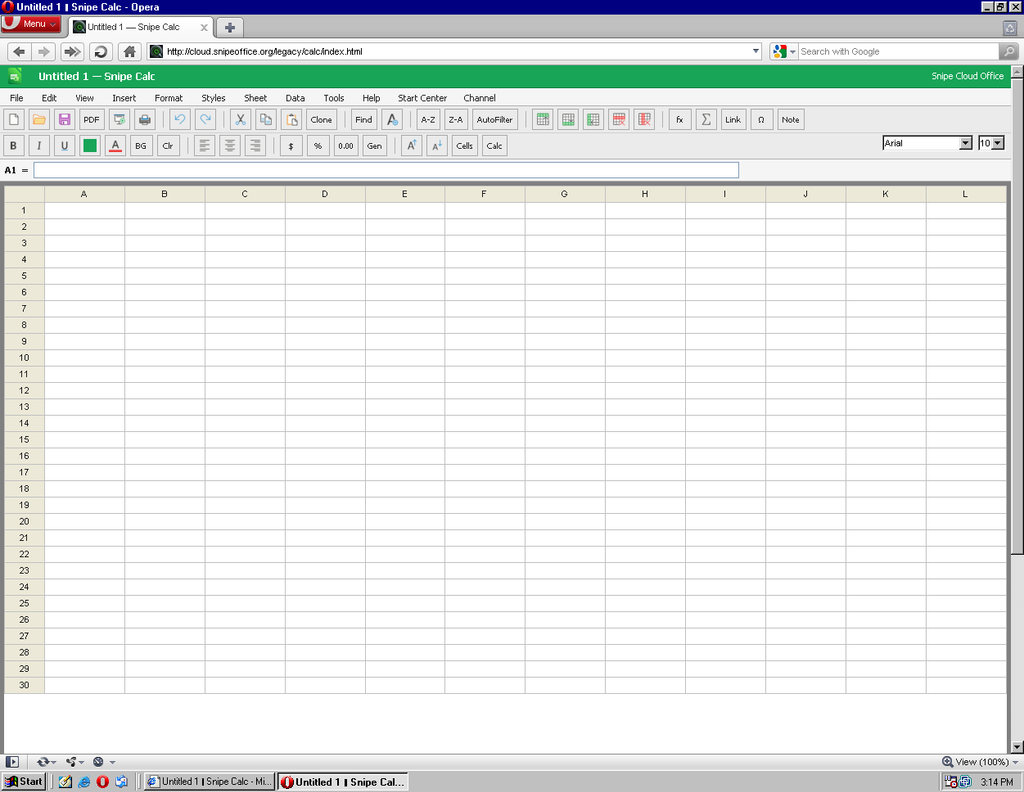
Calc gives you a 30-column, 12-row grid on the legacy channel, with a formula bar, sheet tabs, and the full Data menu (sort, filter, text-to-columns, range selection). Formulas work. Cell formatting works. Save as .ods, .xlsx (cell values), .csv, or plain text.
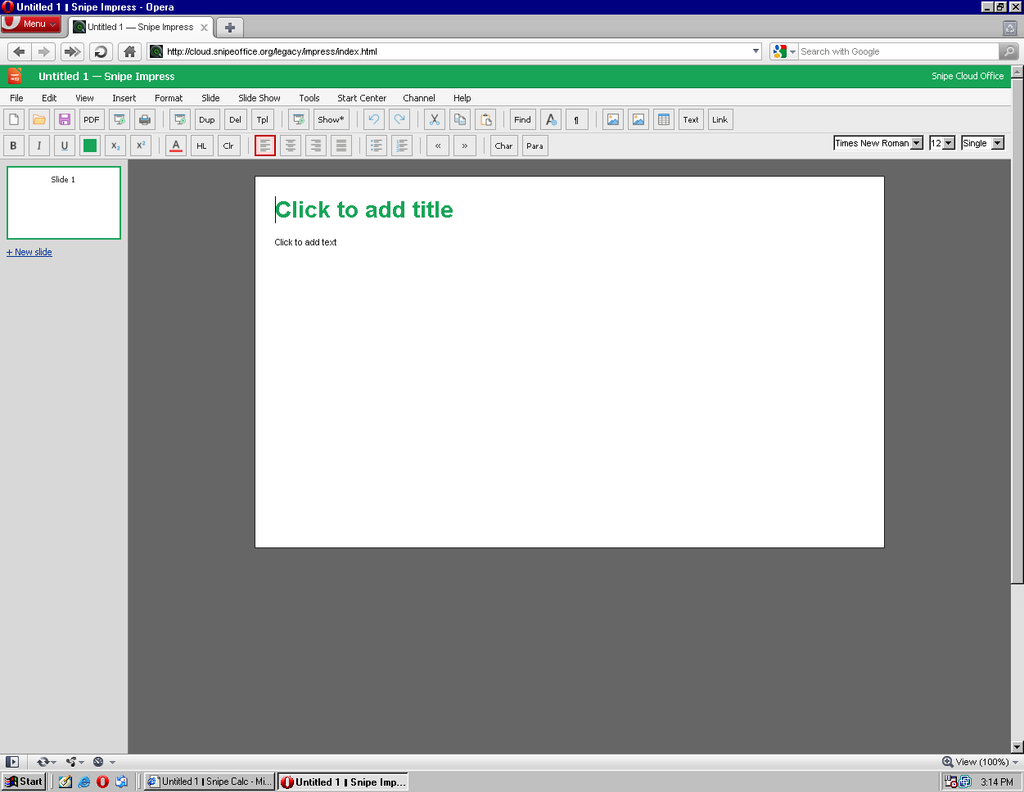
Impress handles ODP, PPTX, HTML slideshow export, with slide thumbnails in the sidebar, the full Slide Show menu, and text formatting on each slide. Multi-slide presentations, transitions, and master slides all work.
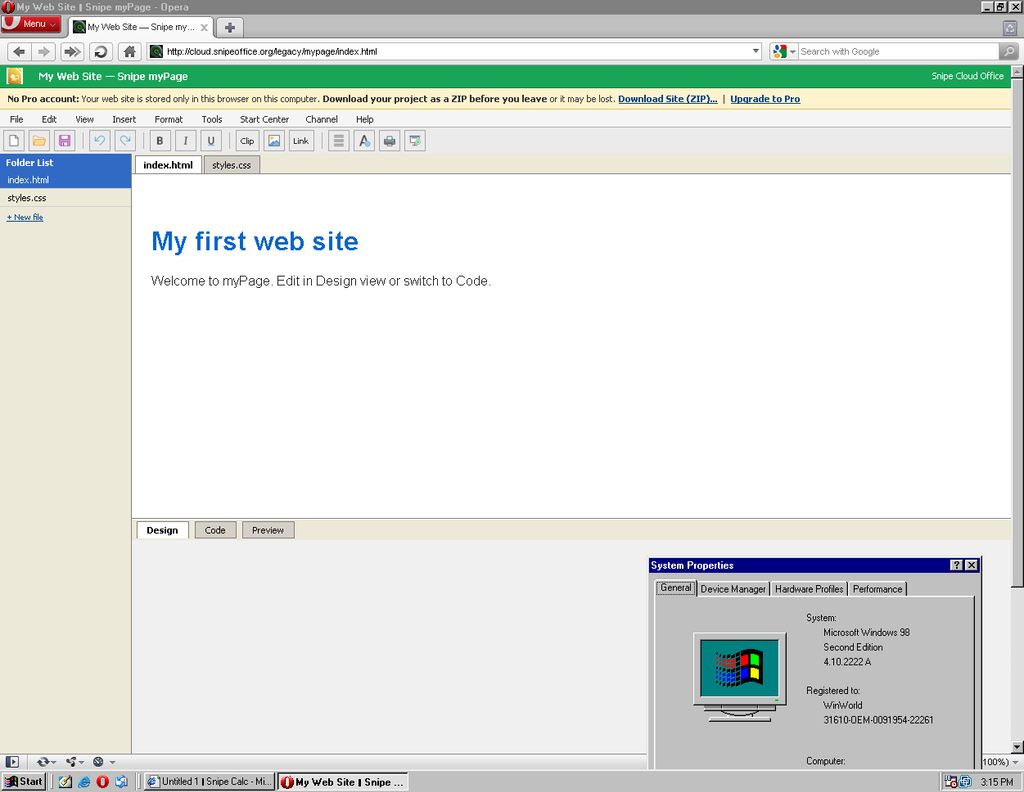
myPage is the surprise. A full multi-file web site editor running in Opera on Windows 98 SE, with folder list, Design/Code/Preview tabs, template starter pages, and ZIP download of the finished site. If you want to build a website from a period-appropriate machine in the 21st century, this is the tool.
Setup
The Win95/98 patch bundle from Snipe Cloud’s Recommended Browsers page handles TLS and every other missing piece. Copy it across on a USB stick or a CD, run through the patches, then install Opera 10.63, Firefox 2, or IE 6 SP1 from the bundle. Reboot. Bookmark the Start Centre. That is the whole setup.
The test machine for the screenshots in this article was a stock Windows 98 SE (build 4.10.2222 A) install with 64 MB of RAM. Opera 10.63 loaded Snipe Cloud without complaint, IE 6 loaded it too, and switching between them mid-session on the same account worked exactly as intended.
The BOM-first promise
Every CSV or text export from Calc on Windows 98 SE comes out as UTF-8 with a Byte Order Mark, same as on any other Snipe platform. Chinese, Japanese, Cyrillic, Arabic, emoji: it all survives the export cleanly and opens correctly in downstream tools. The oldest supported hardware gets the same encoding guarantees as the newest.
Why bother
Windows 98 SE machines are still out there doing real jobs. A working PC that opens modern documents is worth more than a landfill statistic. If the machine already runs, the software should meet it where it is.
TRY SNIPEOFFICE CLOUD NOW!
Best office suites for Windows 98 SE in the 21st century
If you are running Windows 98 SE today and need to do real office work, these are your five best options ranked by capability, modern-format support, and how much pain you save yourself.
1. Snipe Cloud Office (legacy channel)
The only option that opens modern .docx, .xlsx, and .pptx directly on a Windows 98 SE machine, in the browser, with no conversion step. Writer, Calc, Impress, and myPage all run in Opera 10.63, Firefox 2, or IE 6. BOM-first UTF-8 exports mean multilingual data survives the trip to anywhere. Free.
2. Microsoft Office XP (2002)
The last version of Office that installs and runs cleanly on Windows 98 SE without hacks. Word, Excel, PowerPoint, Access, Outlook. Handles legacy .doc and .xls perfectly. With the Microsoft Office Compatibility Pack installed, it will also open and save modern .docx, .xlsx, and .pptx files. Best local-installed option if you want native Word file handling.
3. OpenOffice.org 2.4
Free, open source, and the last major OpenOffice release that supported Windows 98. Full ODF support, reads and writes .doc, .xls, .ppt, and basic .docx/.xlsx. Complete suite (Writer, Calc, Impress, Draw, Base, Math). Heavier than Office XP but more capable with modern formats natively.
4. Microsoft Office 2000
Fast, light, comfortable on modest hardware. .doc and .xls only out of the box, but the Compatibility Pack extends it to modern formats. A solid middle-ground choice if you want the classic Office experience without the resource weight of Office XP.
5. StarOffice 5.2
The commercial ancestor of OpenOffice, released free by Sun. Full office suite (Writer, Calc, Impress, Draw, Schedule, Mail) in a single application shell. Own file formats plus Word and Excel import. Historical curiosity now, but still installs cleanly on 98 SE and still works.
Screenshots in this article were taken from a virtual machine running Windows 98 Second Edition (build 4.10.2222 A). Snipe Cloud Office runs identically on real hardware of the same vintage.