

SnipeOffice on Windows Me
Windows Millennium Edition gets a rough time in the retrospectives. Short-lived, buggy at launch, sandwiched between 98 SE and XP with nothing much to recommend it at the time. But the machines Me actually shipped on were the last generation of consumer PCs before the XP era, and plenty of them still work. Family PCs, back-room boxes in small businesses, machines that got installed once and never touched again. If one of those is sitting on your desk in 2026, SnipeOffice runs on it.
Boot Windows Me, open a browser, open a Word document. Writer, Calc, Impress, and myPage all load, all work, all save real files.
Two good browsers
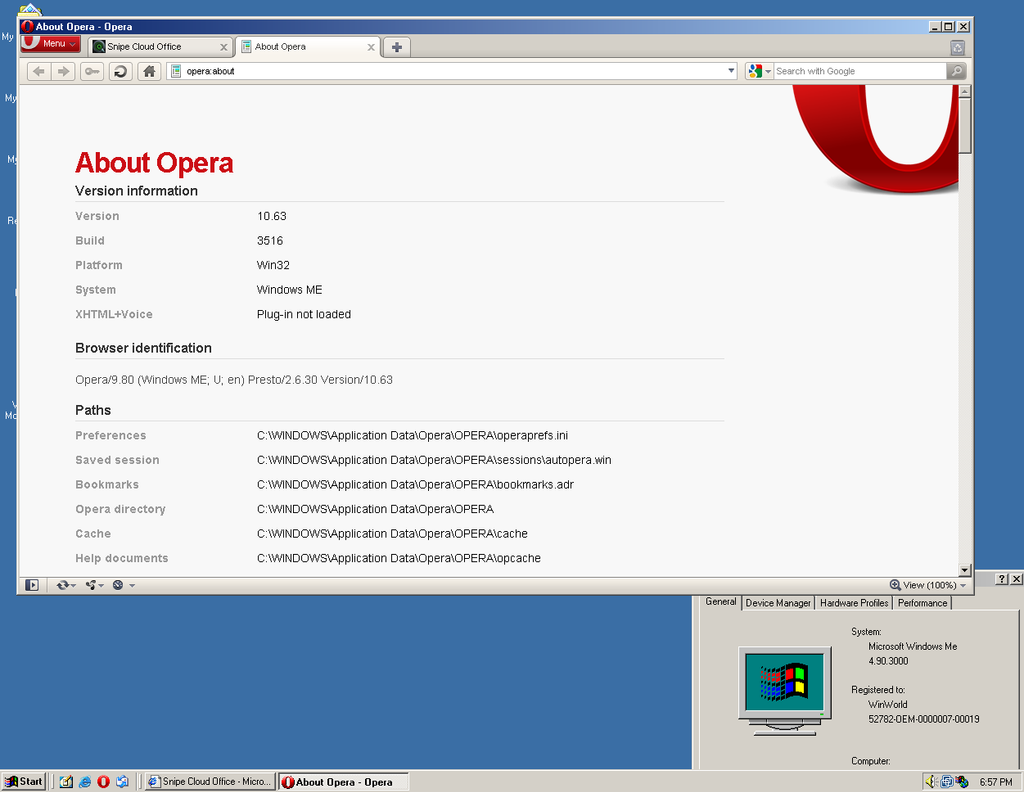
Windows Me gets Opera 10.63, Firefox 2.0.0.20, and Internet Explorer 6.0 SP1. Opera is the recommended choice for the most comfortable experience: tabs, session management, and enough modern web platform support to load Snipe Cloud cleanly. Firefox works too. IE 6 SP1 is there if you prefer Microsoft.
All three land you in the legacy channel automatically. All three open the full suite.
What actually runs
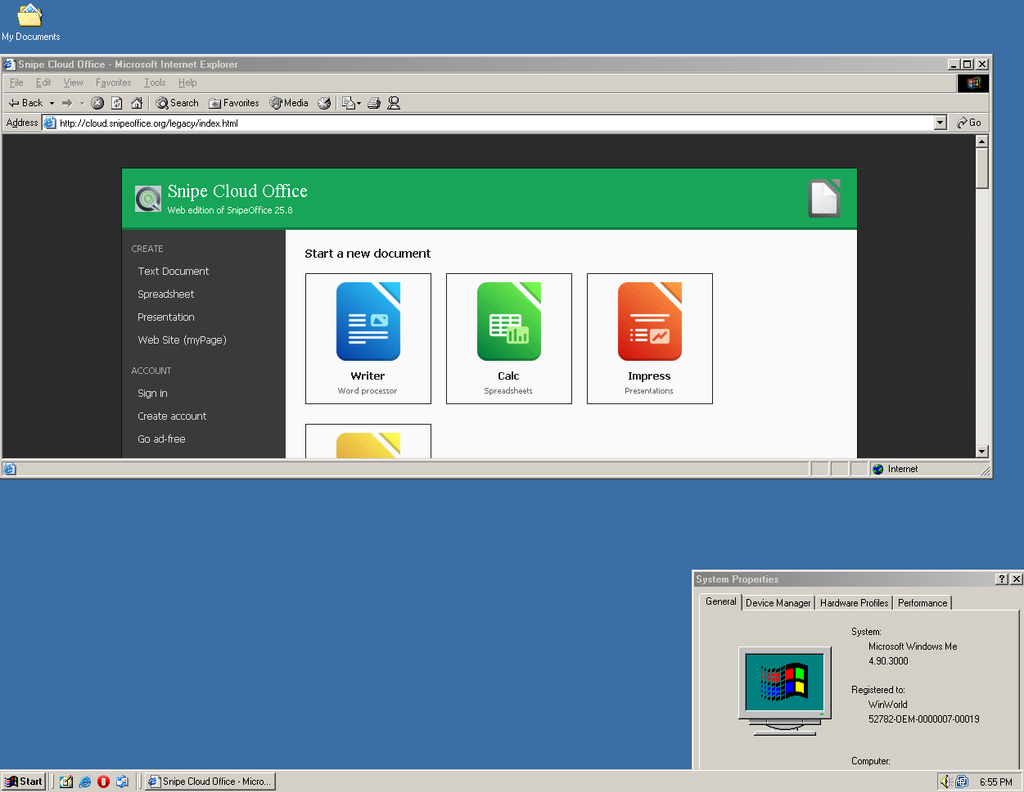
Snipe Cloud Office loads and routes to the legacy channel automatically. You get Writer, Calc, Impress, and myPage tiles on the Start Centre.
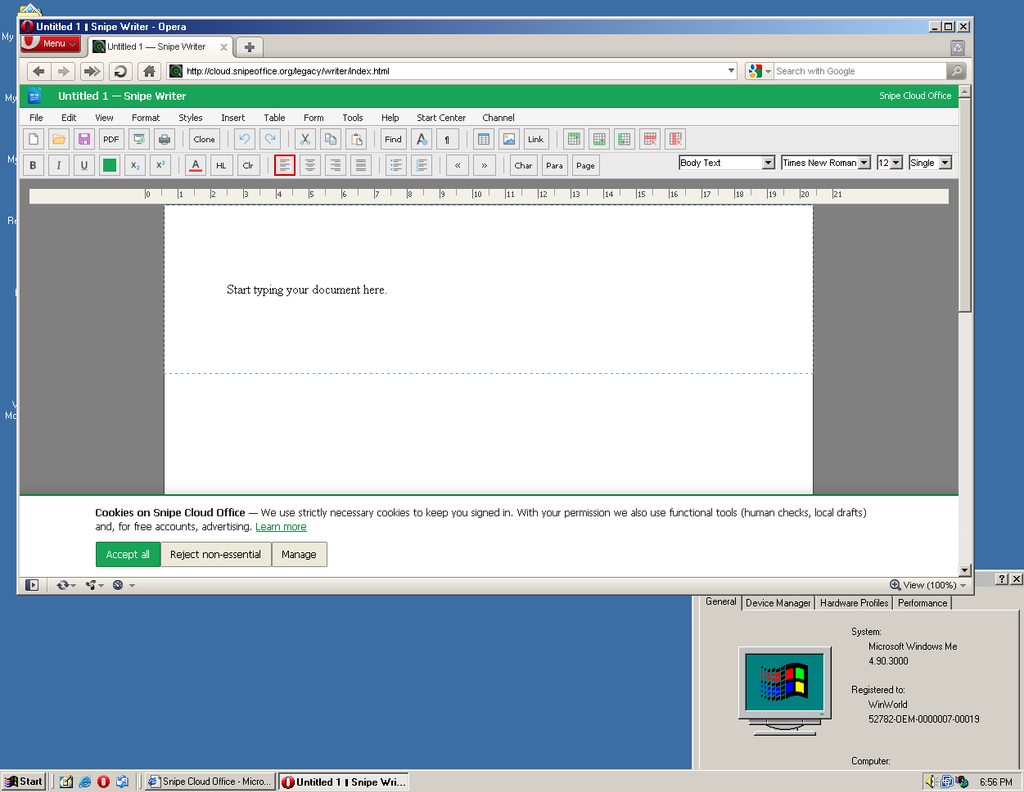
Writer opens with the full legacy menu bar: File, Edit, View, Format, Styles, Insert, Table, Form, Tools, Help. Toolbar, ruler, style dropdowns, font picker, size picker, page style controls. Open a .docx. Edit it. Save it. The output round-trips cleanly to a modern Word install.
Calc gives you a 30-column, 12-row grid with a formula bar, sheet tabs, and the full Data menu. Sort, filter, text-to-columns, range selection all present. Formulas work. Save as .ods, .xlsx (cell values), .csv, or plain text.
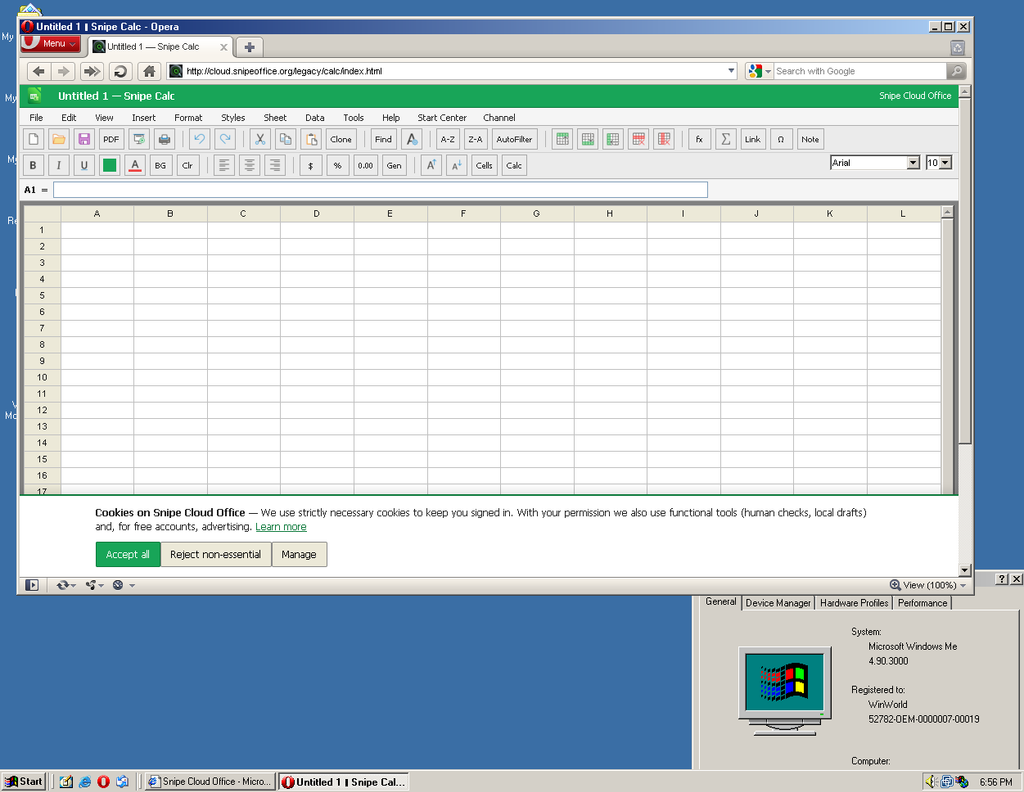
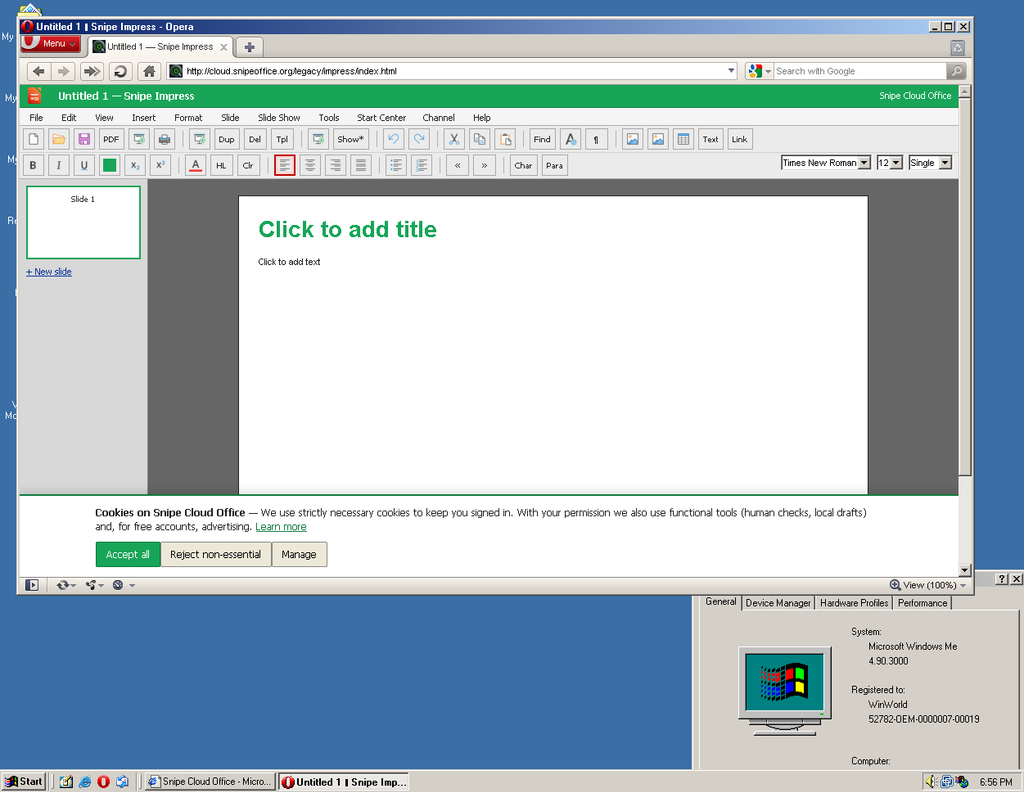
Impress handles ODP, PPTX, and HTML slideshow export, with slide thumbnails, master slides, transitions, and the full Slide Show menu. Multi-slide presentations build and run.
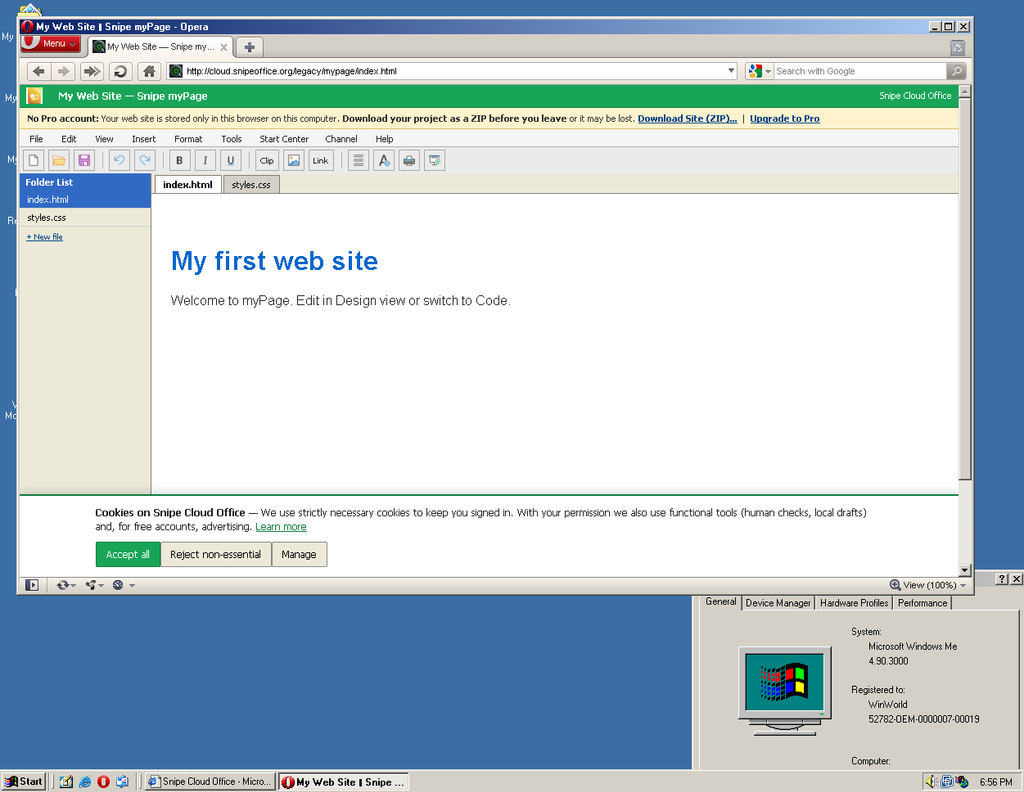
myPage runs the multi-file web site editor. Folder list, Design/Code/Preview tabs, template starter pages, ZIP download of the finished site. Build a website from a Windows Me box in 2026 and upload it to a real web host.
Setup
Windows Me needs preparation before it will handle modern HTTPS reliably. A fresh install ships with old root certificates and missing runtimes that will trip you up the moment you try to load anything current.
Recommended: get the machine current first
There is a superb community-maintained update solution for this, and it saves you hours of manual hunting.
Windows Me Update CD (Release 2.3, Internet Archive)
A 644 MB collection of every official Microsoft update, security patch, and hot-fix for Windows Millennium Edition, packaged for offline install. Grab it, burn it to a disc or copy it to a USB drive, and run the installer.
What is in it:
- Automatic installer for 140+ separate updates, security patches, and hot-fixes
- Options to install Internet Explorer 5.5 SP2 or 6.0 SP1 during setup, with all their updates
- Options to install Windows Media Player 7.1 or 9.0 with all associated patches
- System Restore Update, Windows Installer 2.0, Data Access Components 2.8 SP1, Jet Database Engine 4.0 SP8
- Active Accessibility 2.0, Windows NetMeeting 3.01 SP2, Windows Script 5.6
- DirectX 8.2 and 9.0c with updates
- .NET Framework 1.0, 1.1, and 2.0 with updates
- Microsoft Java Virtual Machine
- Microsoft XML Core Services 2.6 SP3, 3.0 SP7, and 4.0 SP2 with updates
- Visual Basic and Visual C++ runtimes (6.0 and 2005 SP1)
- Remote Desktop Connection Client, Tweak UI, Font Properties Extension
- Windows Automatic Updating and Windows Update Agent
- Optional Rudolph Loew system enhancements and stability patches
- Special edition wallpapers and an offline Windows Media Player Skins Gallery, for the fun of it
Release 2.3 rewrote the installer for reliability and added 40+ new updates over previous versions. It is recommended for all new installs, and can be applied on top of earlier releases as an upgrade.
Get it here: archive.org/details/wmeupd-r2
Note that some antivirus software may flag the batch installer as suspicious because it calls SHExitWindowsEx to handle the reboot cycle between update stages. This is documented Microsoft behaviour, not malware.
Once the Update CD has run and rebooted, install Opera 10.63 (or Firefox 2, or your preferred browser), point it at the Legacy Start Centre, bookmark it. Done.
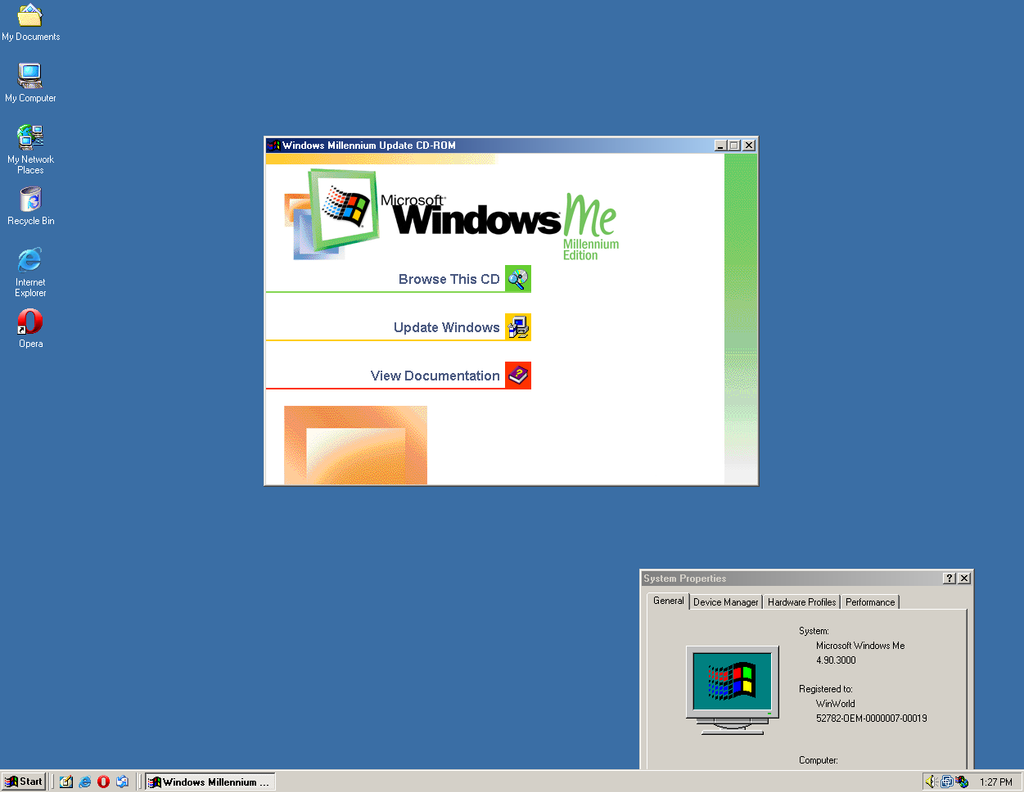
The test machine for this article ran Windows Me 4.90.3000 with the Update CD applied and Opera 10.63 installed. Snipe Cloud loaded, edited, and saved documents without complaint.
The Original Goal Maintained
Chinese, Japanese, Cyrillic, Arabic, emoji, mixed-language data all survives the export cleanly and opens correctly downstream. The much-maligned Millennium Edition gets the same encoding guarantees as the workstation of today.
Why bother
Windows Me has a reputation. Some of it is deserved, most of it is overblown. The machines it shipped on are fine, they run, they do a job. Getting a working modern office suite on one of them means it stays useful instead of going in the skip. That is worth doing.
Best office suites for Windows Me in the 21st century
If you are running Windows Me today and need to do real office work, these are your five best options ranked by capability, modern-format support, and how much pain you save yourself.
1. Snipe Cloud Office (legacy channel)
The only option that opens modern .docx, .xlsx, and .pptx directly on a Windows Me machine, in the browser, with no conversion step. Writer, Calc, Impress, and myPage all run in Opera 10.63, Firefox 2, or IE 6 SP1. BOM-first UTF-8 exports mean multilingual data survives everywhere. Free.
2. Microsoft Office XP (2002)
The last version of Office that installs cleanly on Windows Me. Word, Excel, PowerPoint, Access, Outlook. Handles legacy .doc and .xls perfectly. With the Microsoft Office Compatibility Pack installed, it also opens and saves modern .docx, .xlsx, and .pptx files. Best local-installed option for native Word file handling with modern format support.
3. OpenOffice.org 2.4
Free, open source, and the last major OpenOffice release that supported Windows Me. Full ODF support, reads and writes .doc, .xls, .ppt, and basic .docx/.xlsx. Complete suite (Writer, Calc, Impress, Draw, Base, Math). Heavier than Office XP but more capable with modern formats out of the box.
4. Microsoft Office 2000
Fast, light, comfortable on modest hardware. .doc and .xls only out of the box, but the Compatibility Pack extends it to modern formats. Solid middle-ground choice if you want the classic Office experience without the resource weight of Office XP.
5. StarOffice 5.2
The commercial ancestor of OpenOffice, released free by Sun. Full office suite (Writer, Calc, Impress, Draw, Schedule, Mail) in a single application shell. Own file formats plus Word and Excel import. Historical curiosity now, but still installs cleanly on Windows Me and still works.
Screenshots in this article were taken from a virtual machine running Windows Millennium Edition (build 4.90.3000). Snipe Cloud Office runs identically on real hardware of the same vintage.